
Cybersecurity your charity can actually manage
You run a charity, not an IT department. You hold information about the people you serve, your donors and your funding, and your Board, funders and partners now ask how it is protected.
StrongKeep puts device protection, scam blocking and staff training into one subscription that someone on your team can run, with no IT background needed.
Start today
The real challenges small charities face with cybersecurity
Expected as good governance, but unclear where to start?
The National Council of Social Service (NCSS) increasingly treats cybersecurity and data protection as part of good governance. You know it matters. With a small team and nobody in IT, it's hard to see where your gaps are, let alone what to fix first.
Does your team work everywhere except one office?
Staff move between programme spaces, community venues, meetings and home. Protecting an office network doesn't cover a laptop that travels. Your protection has to go wherever your team does.
Assume cybersecurity is too expensive for you?
Every dollar you spend is accountable to donors and funders. Enterprise tools and consultants are priced for organisations with IT budgets. You need protection that makes sense for your size, at a price you can explain.
Grants available for qualifying organisations
Here's how everyday protection works for small charities
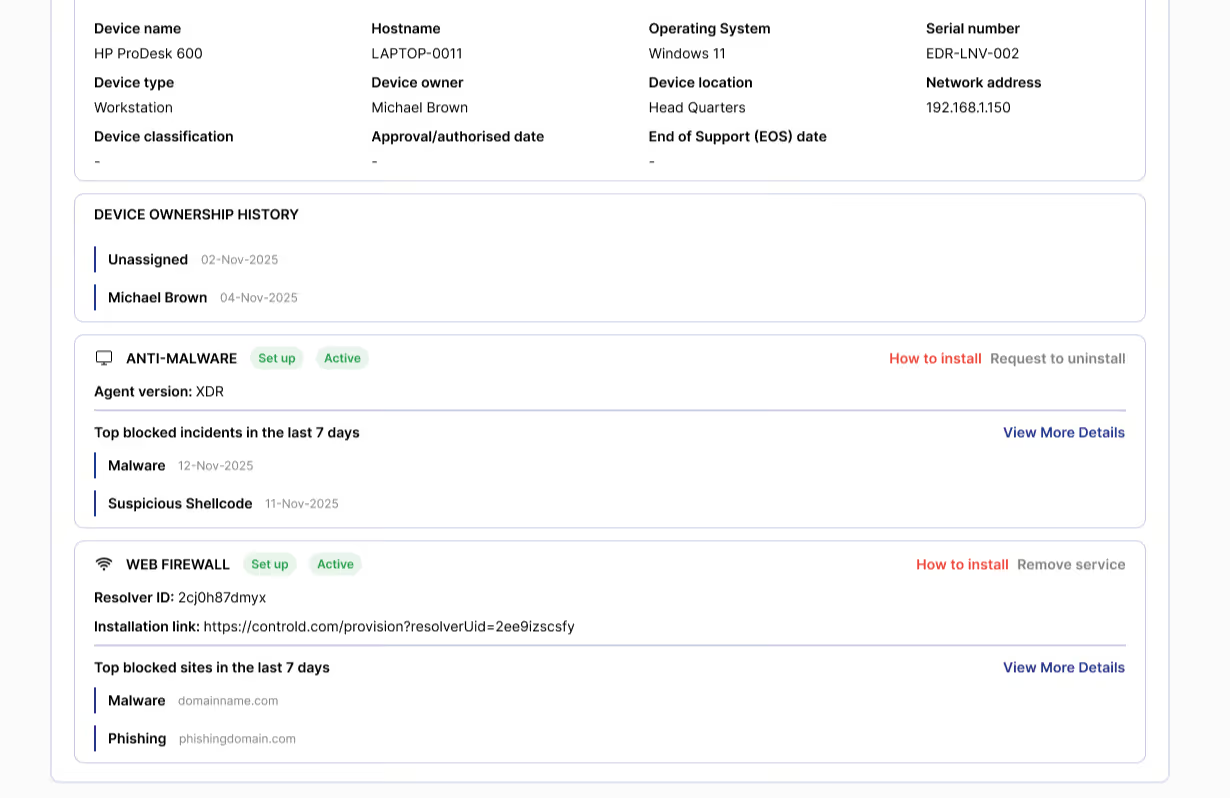
Protect every work laptop, wherever your team works
Put baseline protection on each staff laptop and desktop. It stays with the device, so it works in the office, at a community venue or at home. You can see which devices are protected and which need attention.
- Protection runs quietly in the background
- Covers laptops in and out of the office
- See which devices are protected at a glance
Block phishing and scam links before anyone clicks
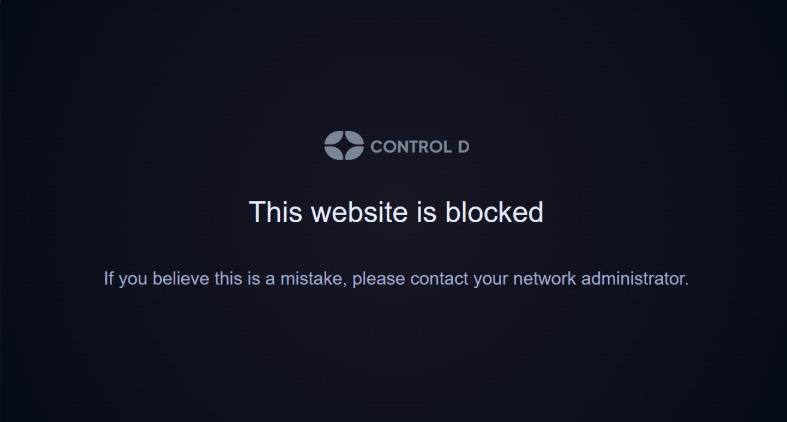
Most attacks start with an email or a link. Known phishing and scam sites are blocked automatically, so one hurried click on a busy day is far less likely to cause harm.
- Automatic blocking of known malicious sites
- No extra vigilance needed from busy staff
- Works on the same laptops you already protect
Build the habit of pausing to check
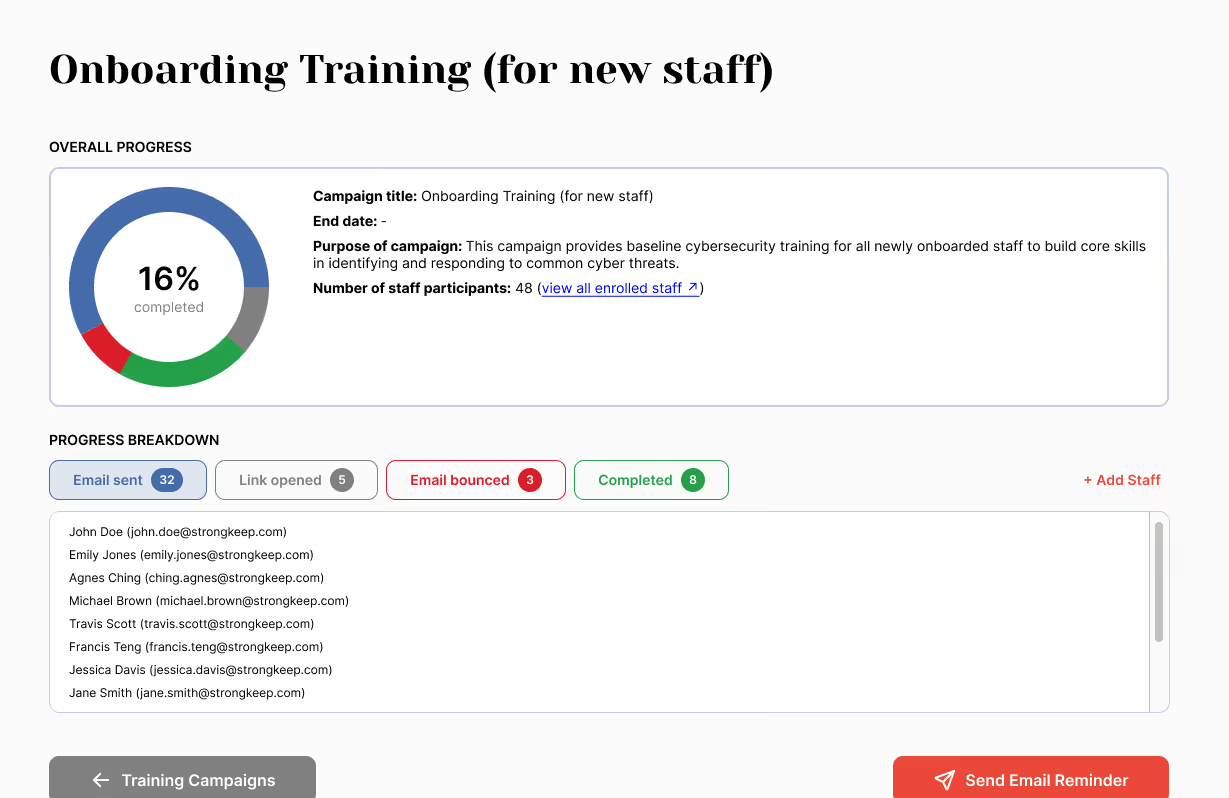
Short, practical training helps staff spot phishing, keep passwords strong and know when to stop and ask. Everyone learns the part they play in keeping the information you hold safe.
- No technical jargon or lengthy courses
- See who has completed their training
- Good habits are reinforced early
Know what's in place when your Board asks
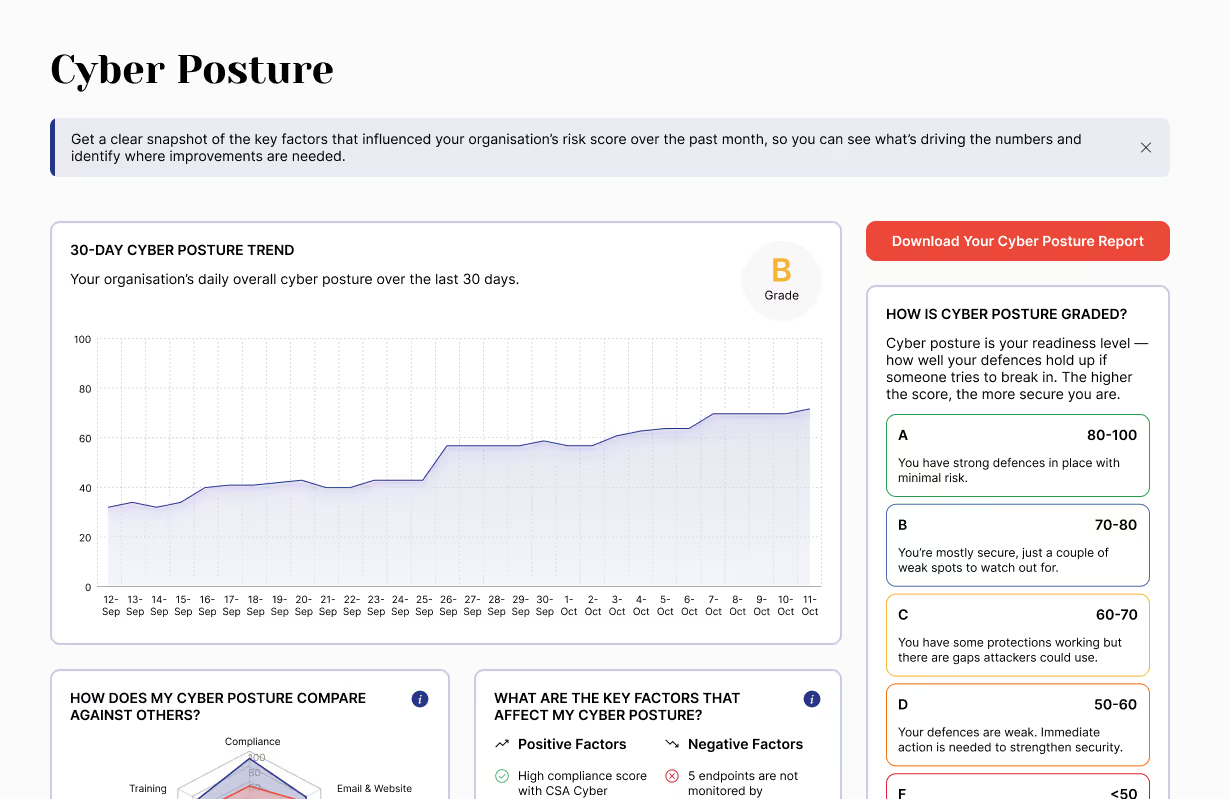
See your protection in one clear view: what's active, what needs attention and how your score is changing over time. Download a report to share with your Board, funders or partners.
- Everything in one place
- Run by a colleague, not an IT specialist
- Prices published openly, with no quote needed
Confidence for small teams across every industry

This small charity, with no one in IT, now has a clear answer when its Board asks about cybersecurity.
"I would say yes, I would recommend it. Because it's affordable... and the technical components, it's good. It's good enough."